Add the Exclusive RetireMember Podcast




Adding RetireMembership Podcasts to Apple Podcasts
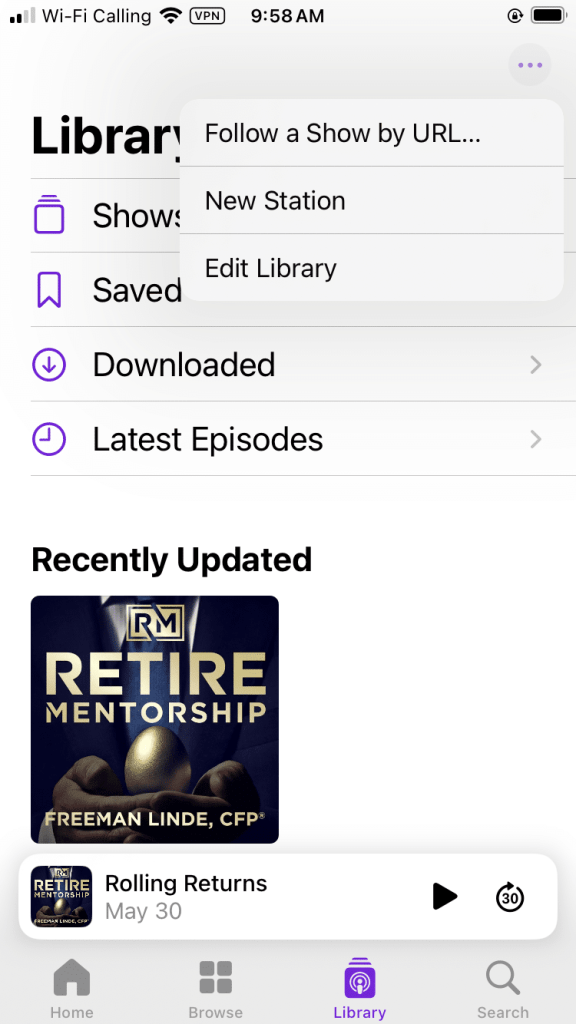
In your Apple Podcasts Library,
click on the 3 dots in the top right.
Then navigate to “Follow a Show by URL…”
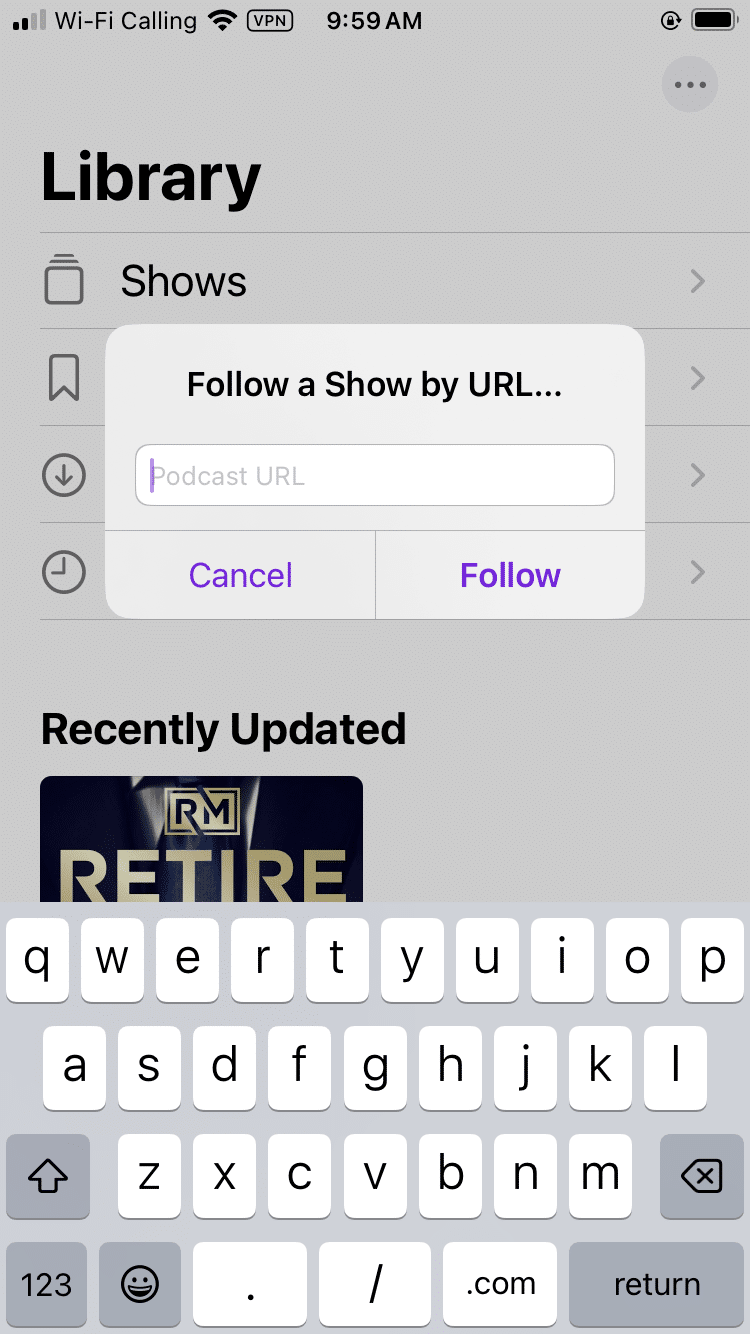
You will then be prompted to enter
the RSS feed link. Input the link below:
Click “Follow” and Enjoy your Exclusive Podcasts!
Adding RetireMembership Podcasts to Youtube Music

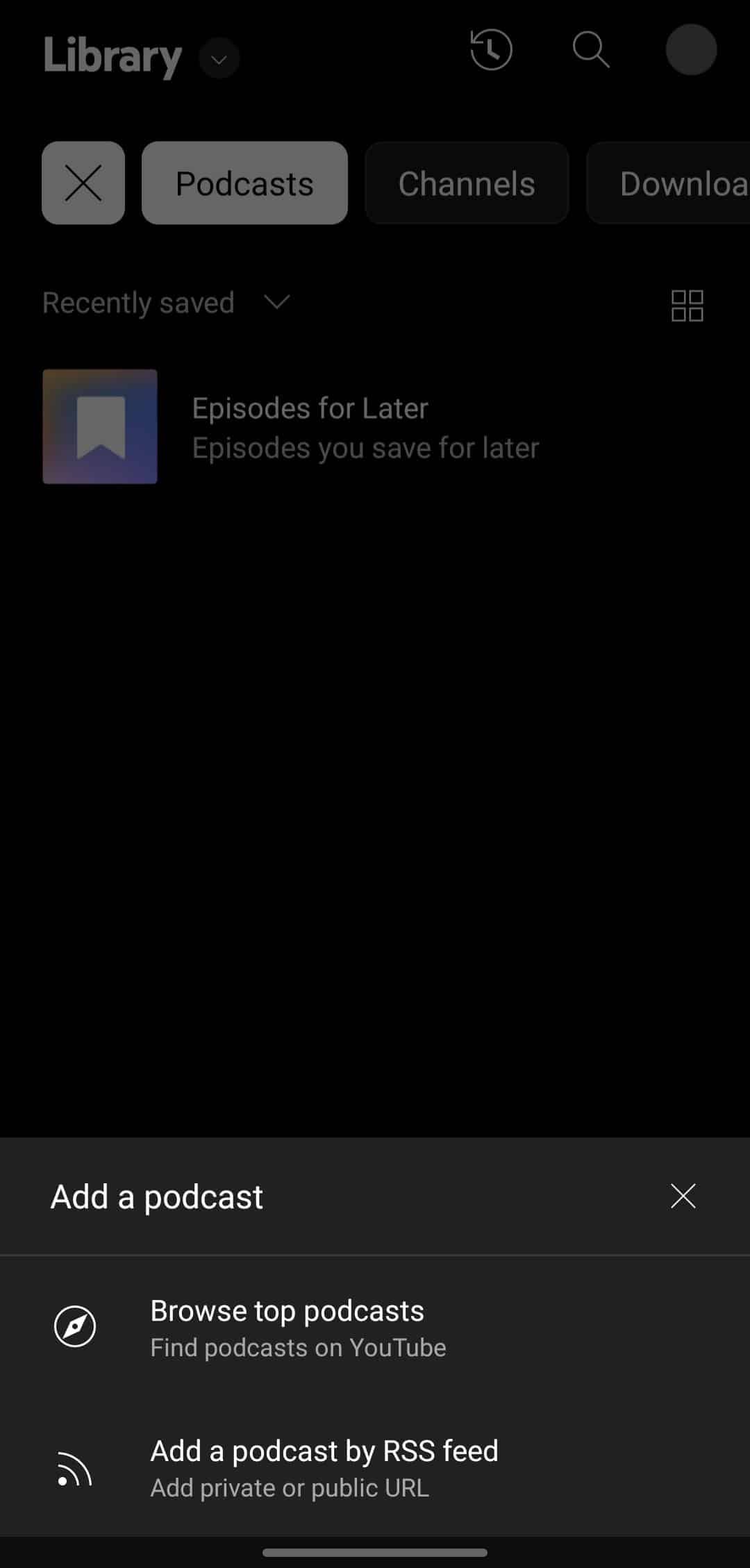
In your Youtube Music library,
navigate to “Podcasts” in the top navigation bar.
Then click “+ Add Podcast” in the
bottom right of the screen.
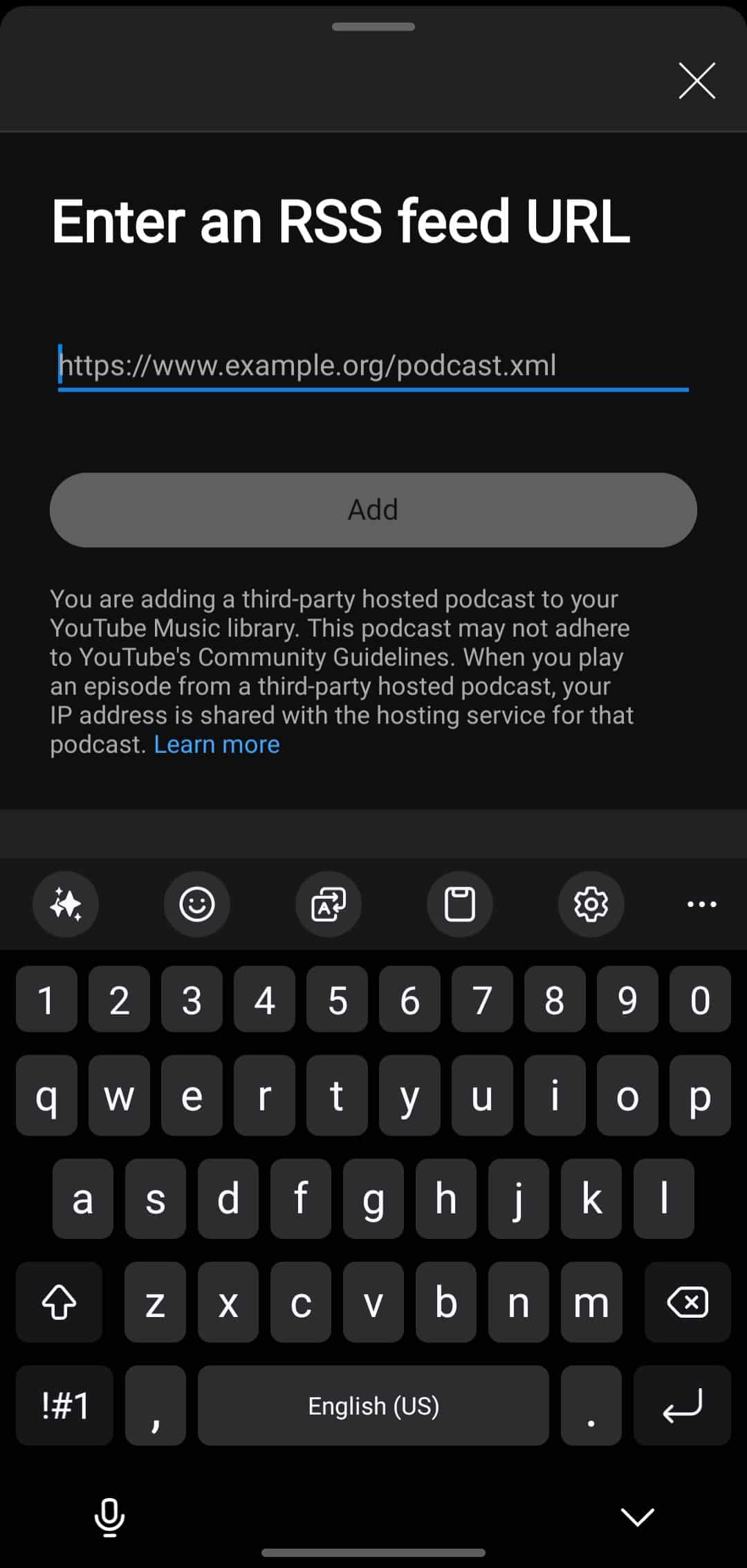
Click on “Add a Podcast by RSS feed”